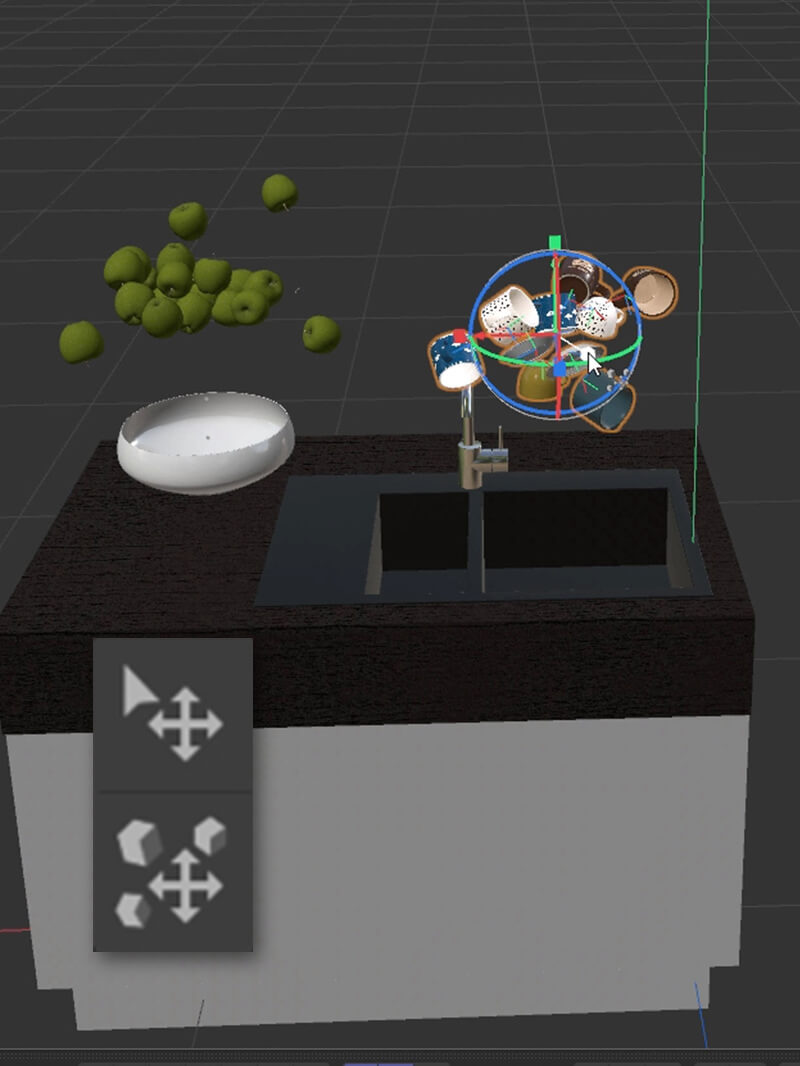
In this tutorial I’ll show how to use the Place Tool and Dynamic Place Tools in Cinema 4D to quickly put your objects exactly where you want them. If you’re populating your scene, or need to create a random and organic placement for multiple objects, these tools will save you TONS of time. Get after...Read More
I don’t usually make AE tutorials, but this resources demands it! It’s a free script called MGFX by Saransh Sharma. You can get it here: https://saaart.xyz/free-after-effects… The script allows you in a handful of clicks to COMPLETELY organize your entire AE project into a neat folder structure. It’s SO useful, I just love it! P.S....Read More
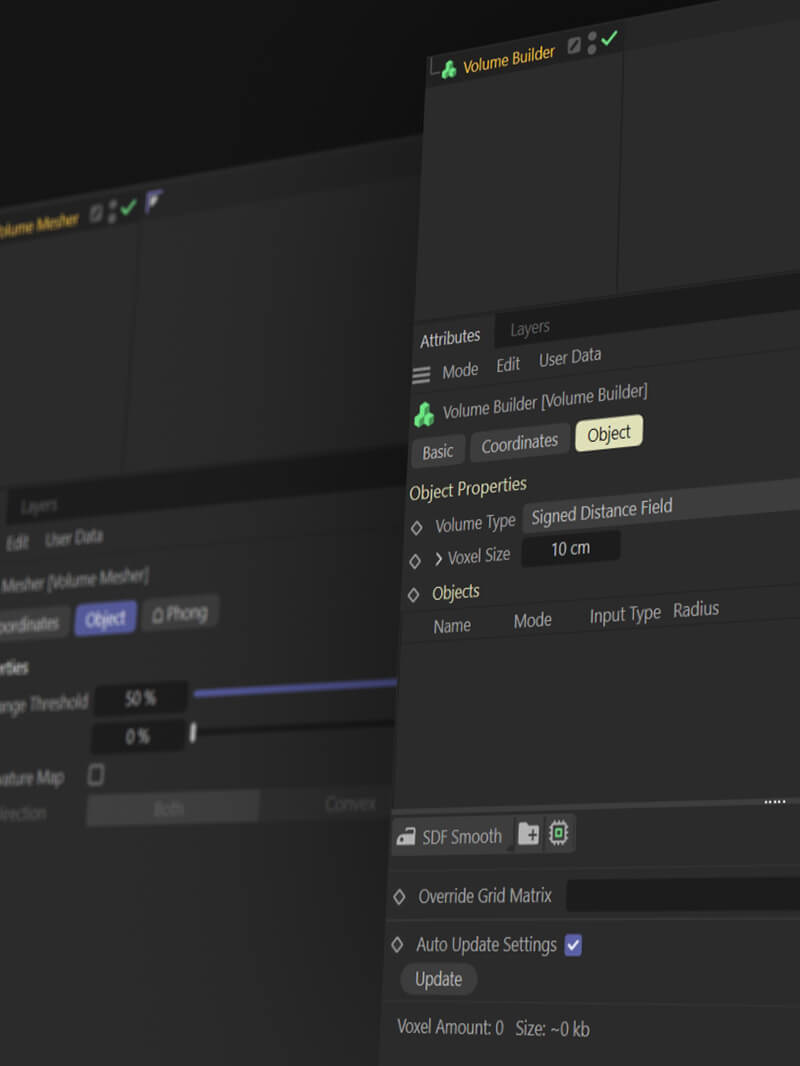
Get Hard Surfaces Here, it’s now 100% FREE!!! www.thepixellab.net/hardsurfaces If you’ve ever used the Cinema 4D Volume Builder and Volume Mesher and have had issues with artifacts on your final mesh then this tip might be of use. We’ll use the Curvature Map you can generate with fields and then use a Smoothing Deformer to...Read More
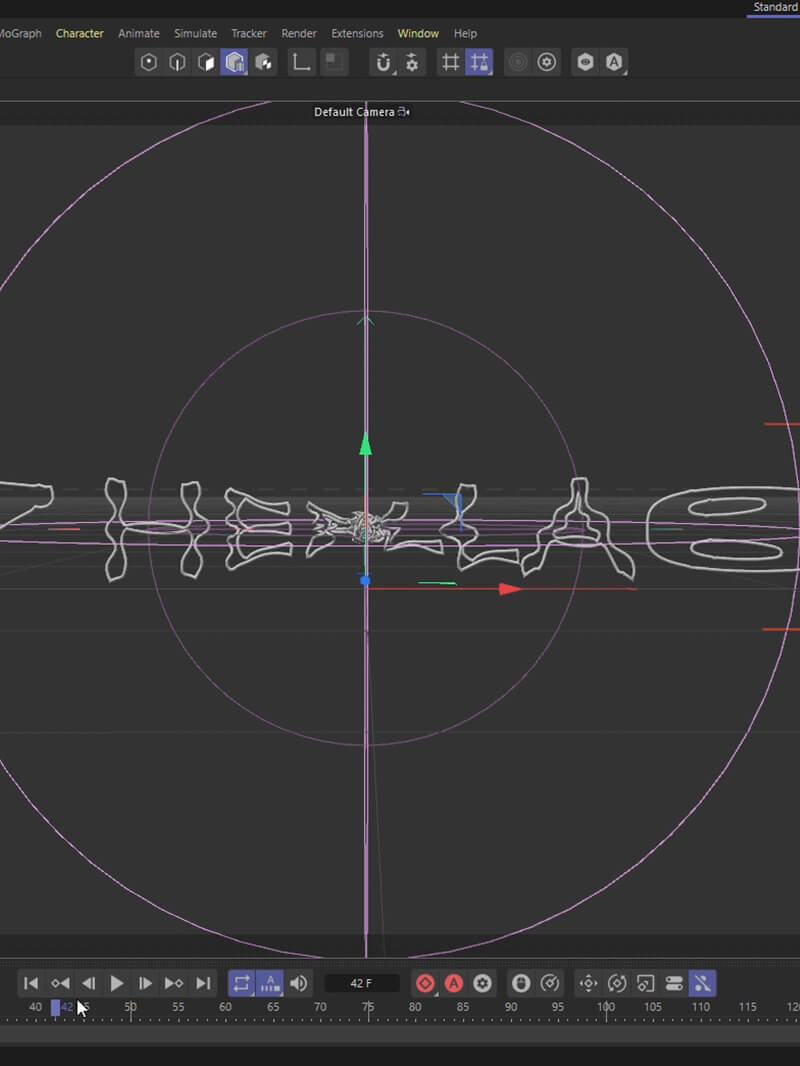
In this C4D tutorial I’ll show you a great technique to make your text turn into a jiggly jelly! We’ll go over some concepts that apply to a lot of other things. You’ll learn how to use the remesh tool, how to create a vertex map using fields and curvature and how to use the...Read More
In this super quick tutorial I’ll show you a technique using the new R26 Rope Dynamics to make a text spline reveal. We’ll also use Field Forces, Spherical Field and a Simulation Scene. Make sure to update to the latest R26 version for this to work. Enjoy!Read More
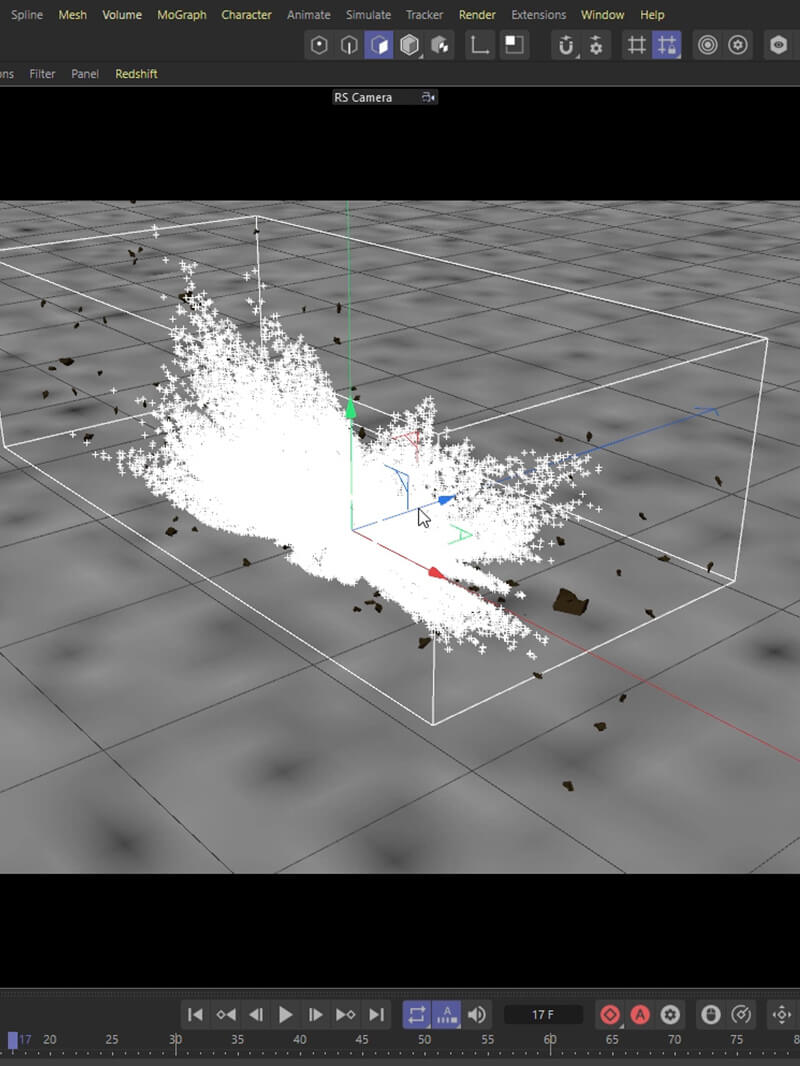
Get Destruction Debris Here: thepixellab.net/vfx-elements-volume-01-destruction-debris Have you ever imported a particle sim from Houdini into Cinema 4D as a .abc Alembic file only to find you can’t even move the position of them? They’re locked down! I found a workaround to get past this annoying problem. I hope it helps!Read More
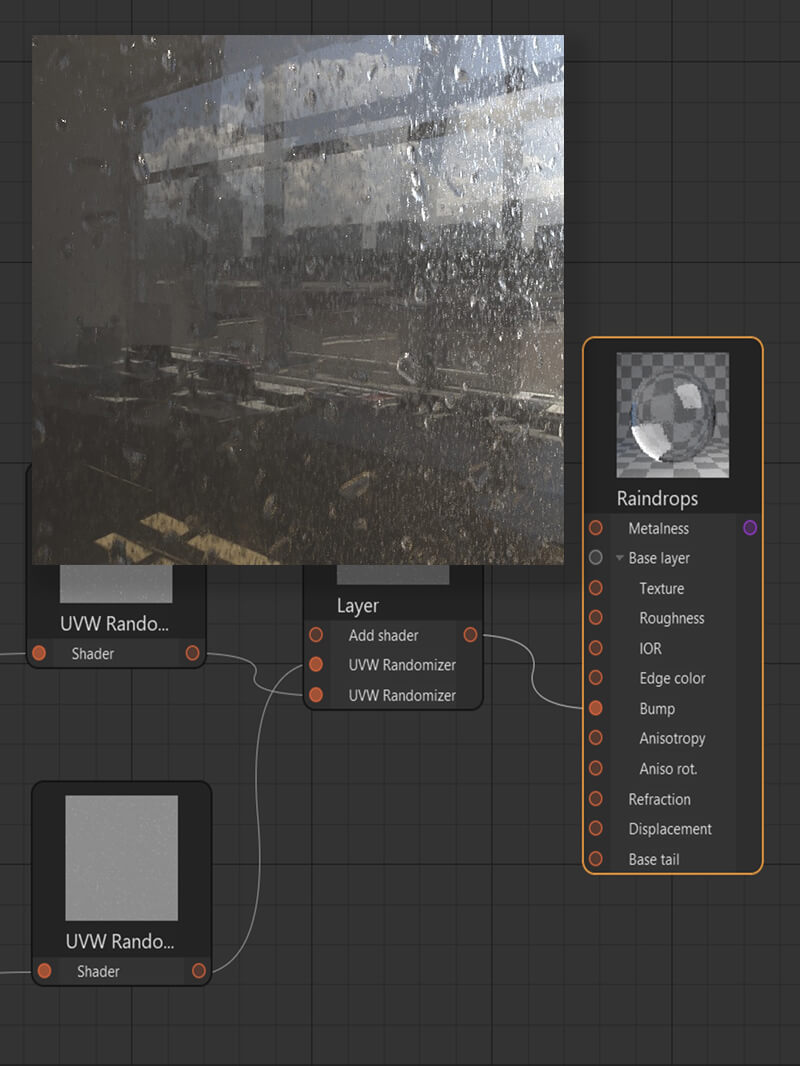
🚨🚨 Get Blemish Pro 2 Here: www.thepixellab.net/blemish-pro-vol-2 🚨🚨 Get Blemish Pro 1 Here: www.thepixellab.net/blemish-pro In this tutorial I’ll show you how to create raindrops falling down a window pane in Corona Render and Cinema 4D. This technique can be directly copied in C4D Physical Render and the same principles can be applied in other render...Read More
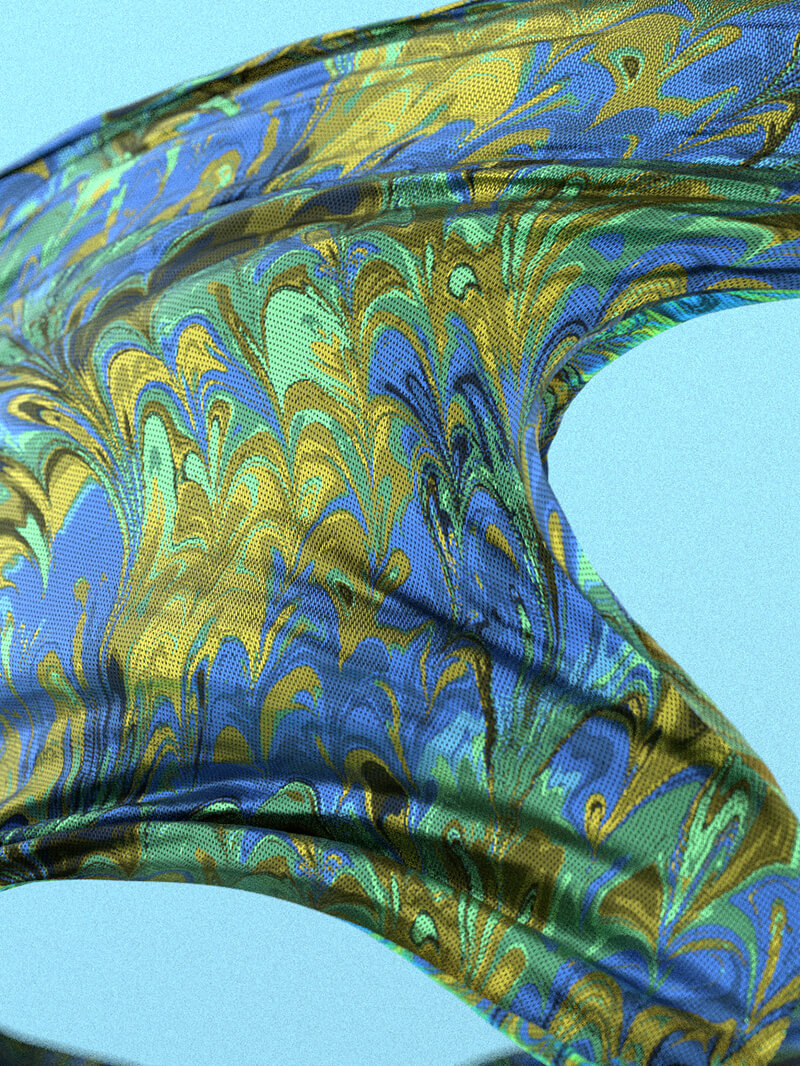
***Get it here: www.thepixellab.net/motion-design-elements-02-animated-cloth In this video I’ll show you some tips for how to use our Animated Cloth Pack. This product has 50 incredible 3D cloth animations which you can load into any render engine that supports them such as Blender, Octane, Redshift, Arnold, Houdini, Cycles and many more. They are .abc Alembic files...Read More
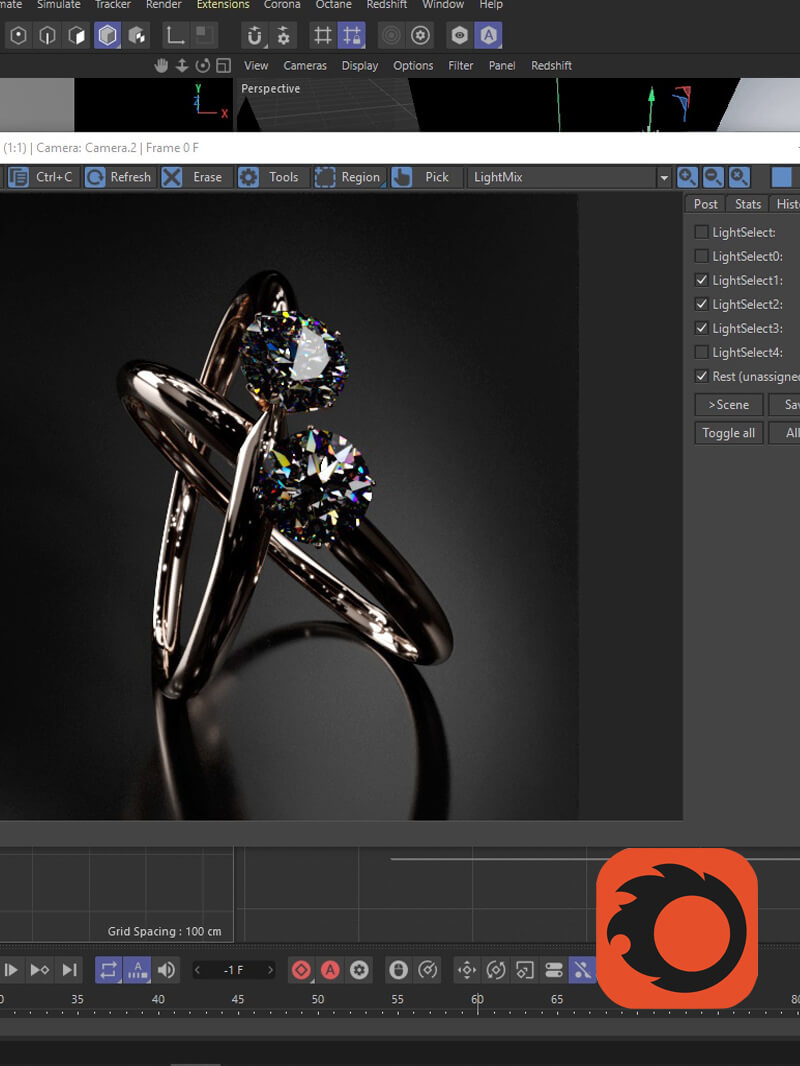
In this tutorial I’ll show you how to use LightMix and LightSelect in Corona Render and Cinema 4D. It’s a really incredible technique where you can control all your lights, reflections, refraction, color temp and HDRI AFTER your render is done! Pretty bonkers, and super useful. Enjoy! ***Corona Texture Pack 1 here: www.thepixellab.net/corona-texture-pack-1Read More
***Corona Texture Pack 1: Contemporary Design here: www.thepixellab.net/corona-texture-pack-1 In this C4D tut I’ll show you a technique where you can actually loop a dynamic simulation. It’s using the mograph cache tag which is super useful. Huge shoutout to Alessandro Boncio for his help!Read More